




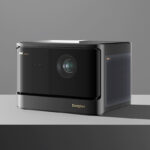
This end-of-year 2024 period is very busy for video projectors, and I've never tested so many projectors in such a short space of time. I hope I'll be able to finish this test in time for Black Friday so you can buy it at the best price. I work alone, and as I don't want to degrade the quality of my tests, I have no choice but to put other types of tests on the side. Video formats will come later too
Where to buy?
The Dangbei Mars Pro 2 (DBOX02) is available on several sites, but NothingProjector offers the best price. NothingProjector even offers a lowest price guarantee for up to 45 days after your purchaseWith promo code MP2, the price drops to €1350!
To take advantage:
Dangbei Mars Pro 2 on NothingProjector.com
Site where I have bought or received the : https://nothingproje...
Timeline
Projector delivery expected in the week of November 11-15, 2024Why this projector?
I've tested many LED projectors between €1,000 and €2,000, and laser projectors are much rarer in this price range. I've just finished testing the Valerion Visionmaster Plus 2, but its presence in this price bracket is linked to its launch offer on KickstarterThe Dangbei Mars Pro 2 is an all-in-one projector like the XGIMI Horizon Pro, but with a few extra assets like a laser source for light, higher contrast and also native Netflix compatibility.
I'm clearly not the first to test it, but I'll try to provide as much information as possible to help you choose the right projector.
Unpacking
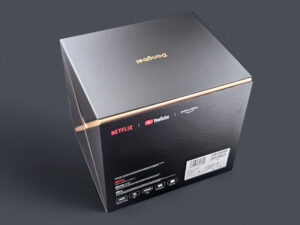
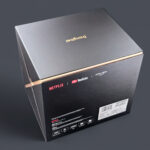
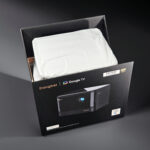
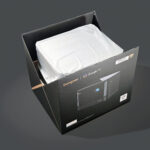
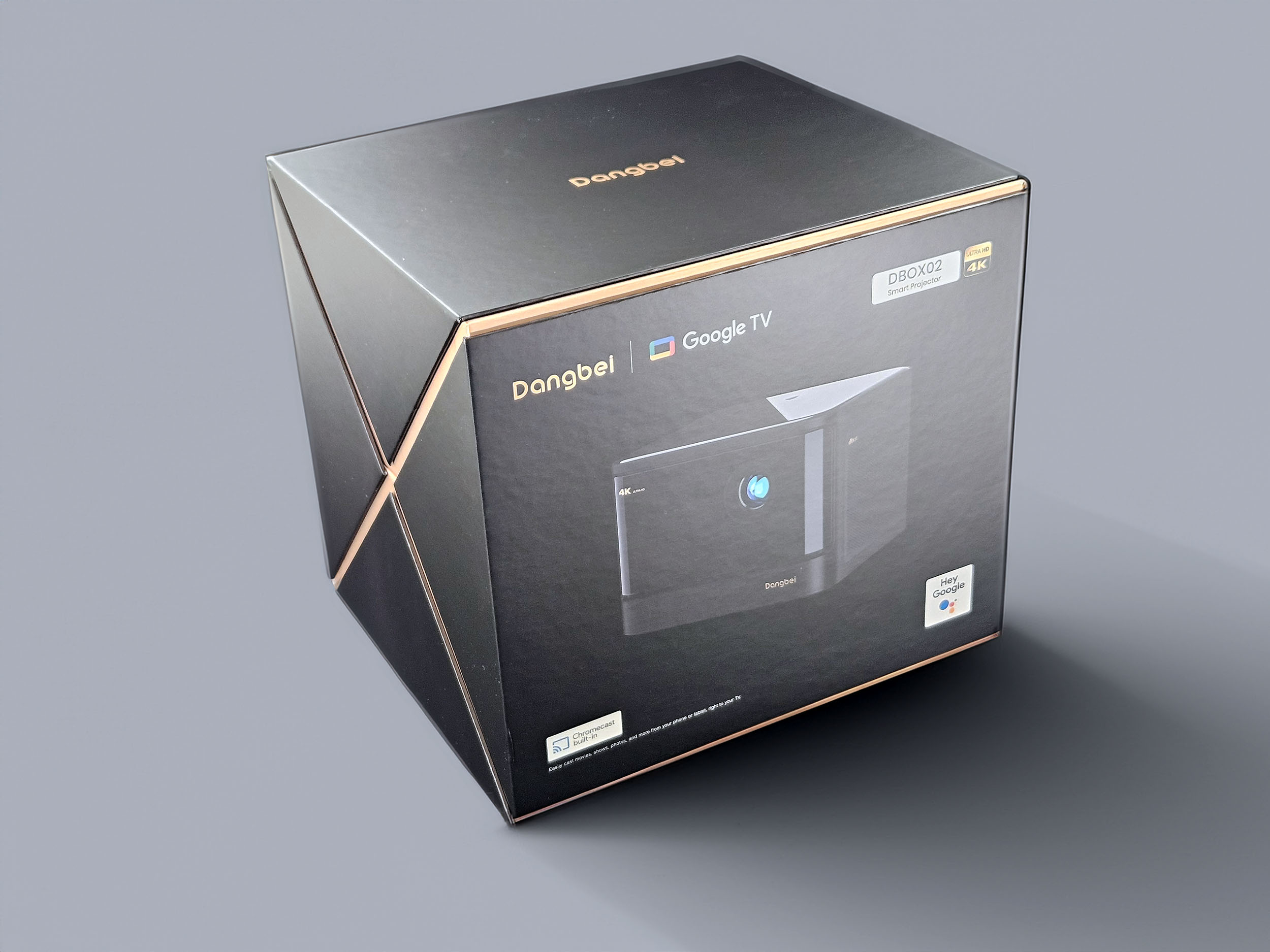
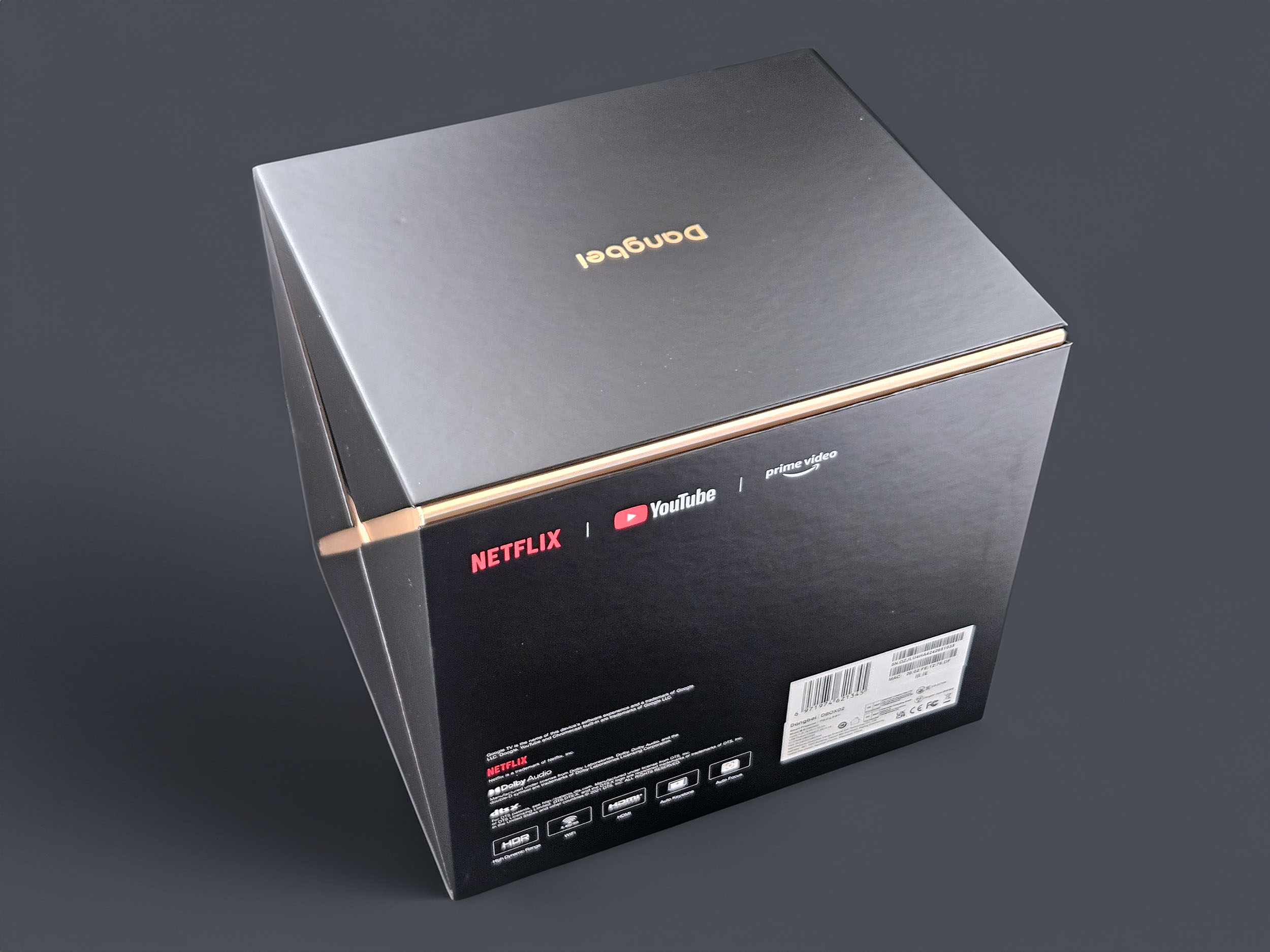
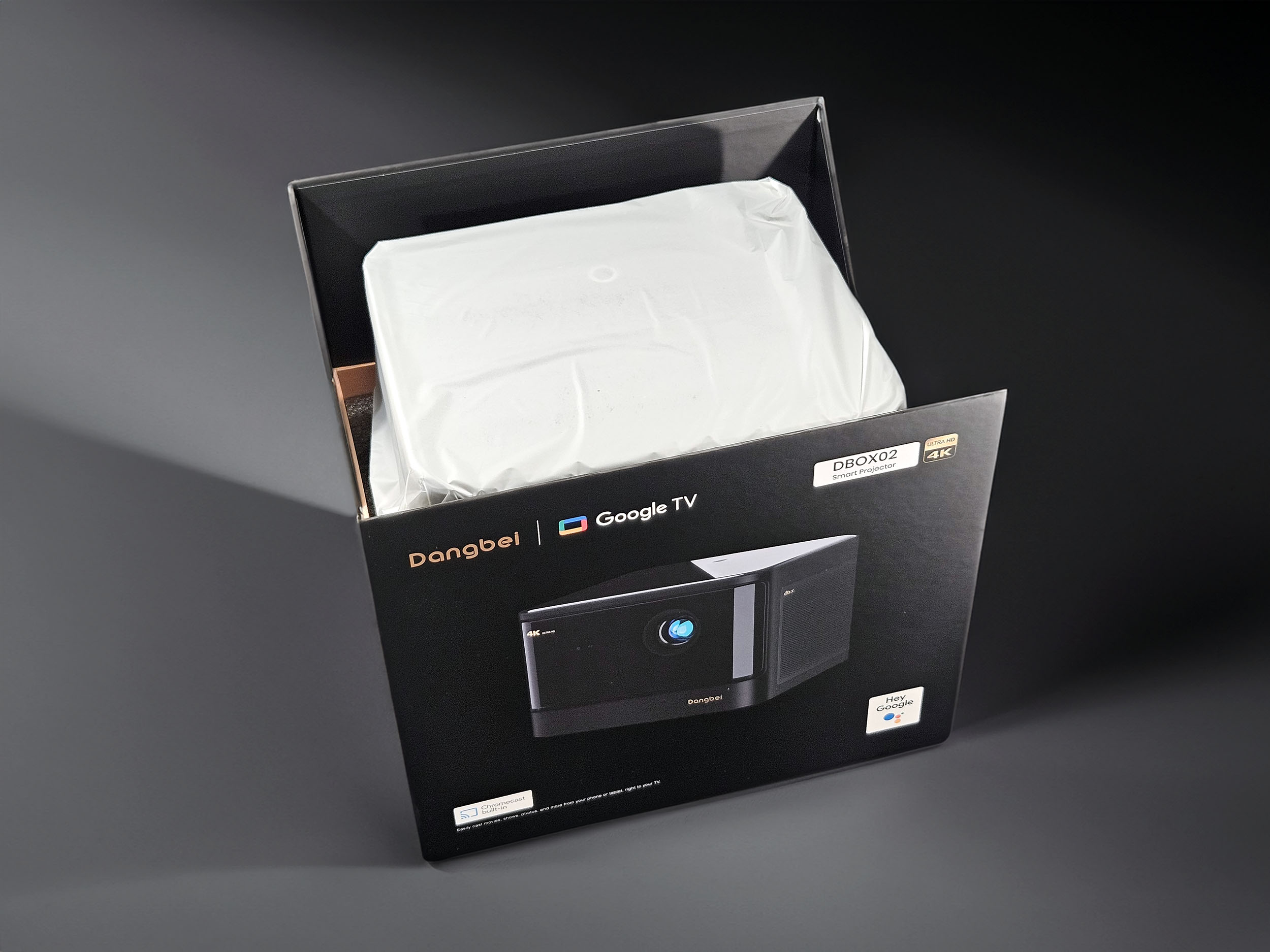
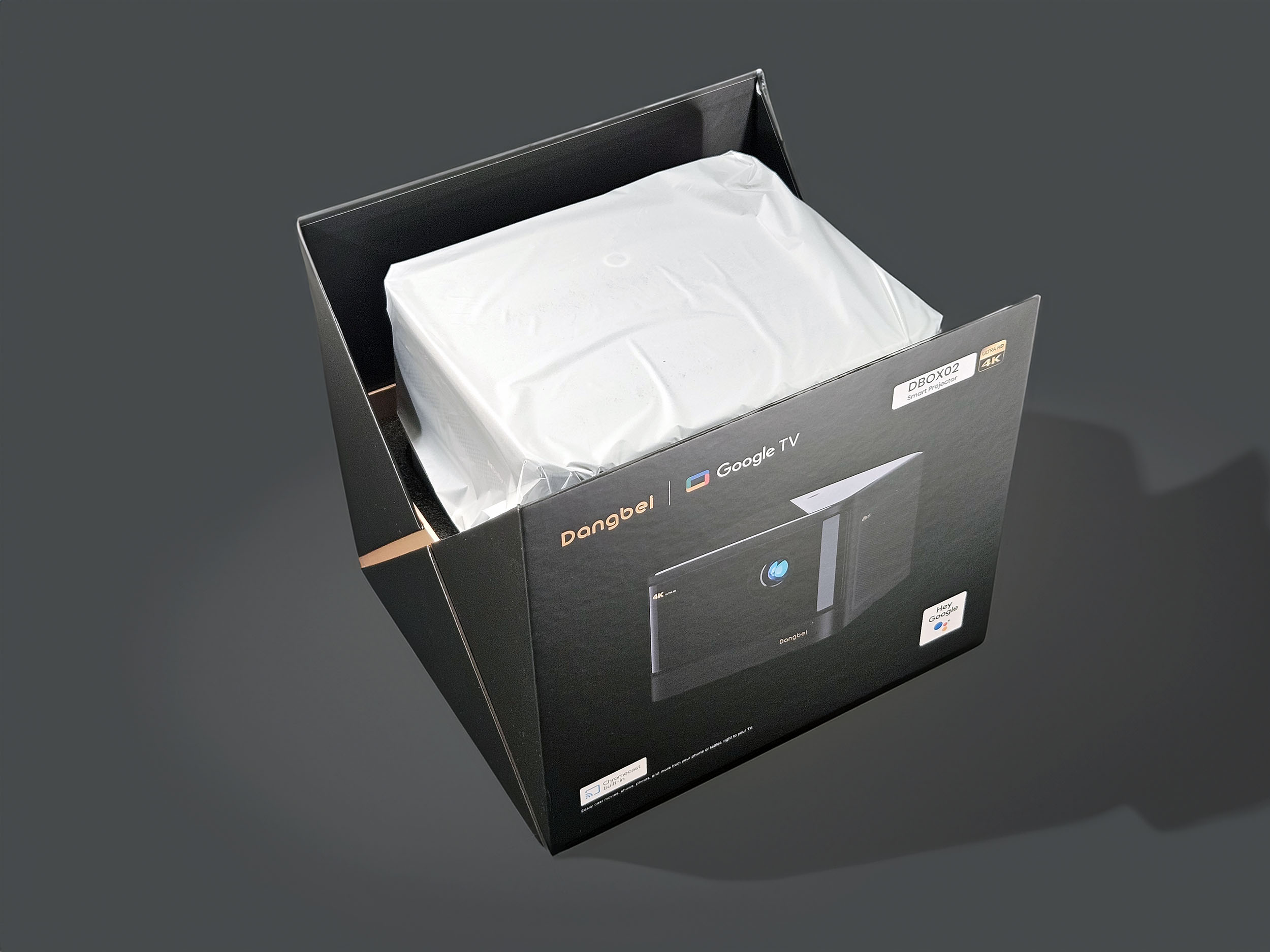
Dangbei may not be a household name in Europe, but it's not a brand conceived in a cellar deep in China. It's the box that conveys the first impression when you receive a projector, and this box makes a very good one. This is clearly not Dangbei's first product on the market, and you can feel a mastery of the brand's image
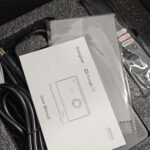
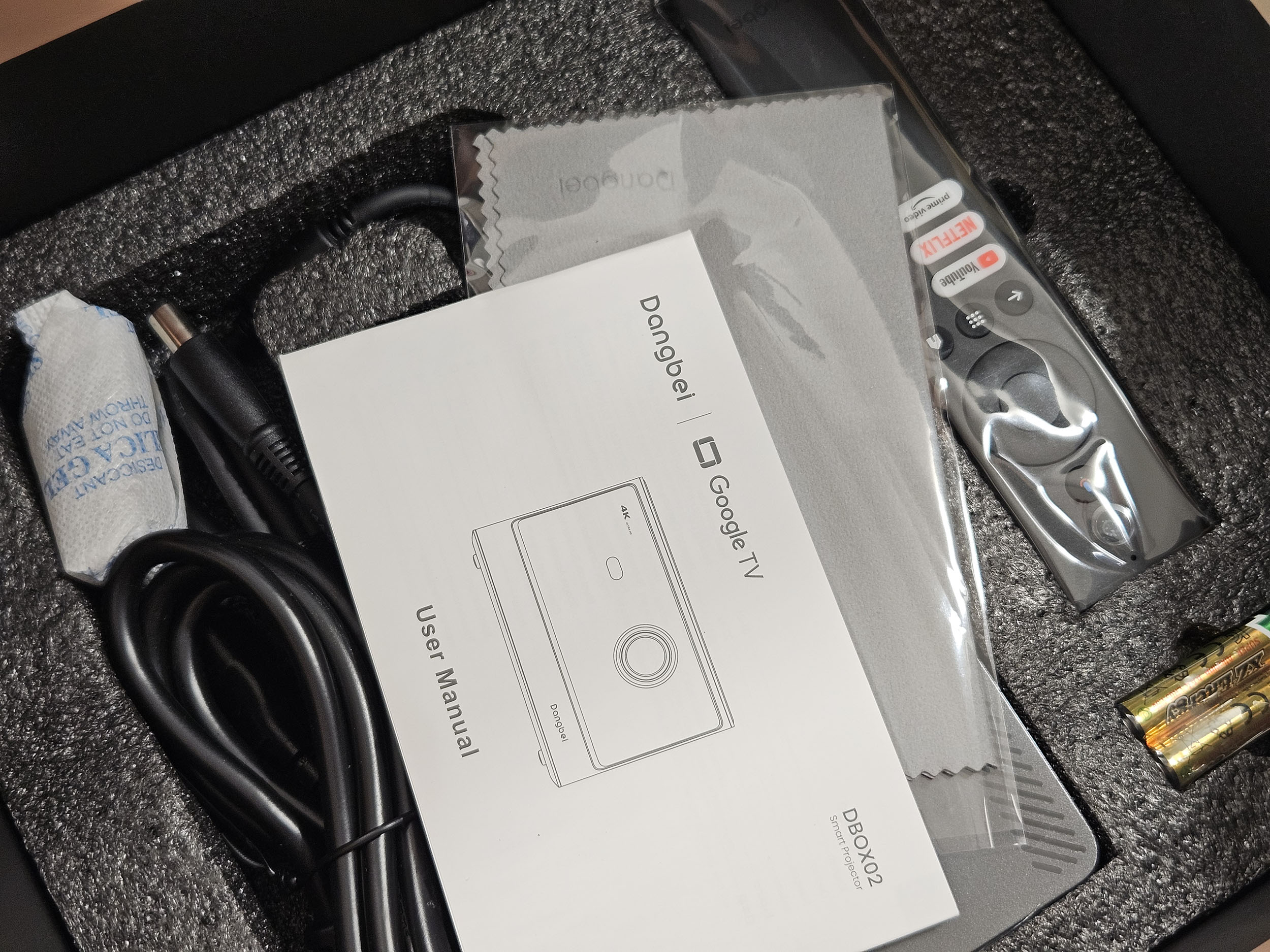
The box contains the projector, a huge power pack, a cleaning cloth, a remote control and two batteries. The box features the logos of several streaming services, including Netflix, which should ensure native support for this streaming platform. This is clearly not the case for all projector brands
Operating system
Not yet available / testedFinish
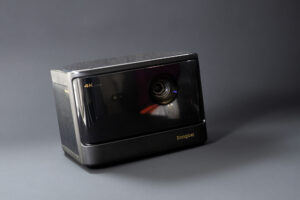
The Dangbei Mars Pro 2 DBOX02 is not an entry-level projector, and this is immediately apparent from its level of finish. The projector is mainly made of plastic and aluminum, and the choice of color and the lacquered finish give it a premium look. The small cloth supplied in the box will be very useful, however, to remove any fingerprints you may leave on the front panel and top of the projector.
This projector follows a trend for projectors with an almost cubic format that was initiated with XGIMI and subsequently copied by many other brands. The special feature of this model is that it can be mounted on a tilting stand like the JMGO N1 Ultra.
Behind the optical block we find a DMD 0.47 chip like many other projectors, which generates a 4k image by interpolation and is capable of generating a good quality image. Its main weak point is contrast, but this depends mainly on the light source used. The Dangbei Mars Pro 2 uses a mono laser light source which, in theory, should generate better contrast and reduce the risk of speckle. I'll come back to this point later in the text.
The optical compartment will also determine the orientation of the projector, as the bottom of the image corresponds to the bottom of the optical compartment, so you need to match it to the bottom edge of the screen. You can also turn it upside down so that the bottom of the optical compartment matches the top of your screen.
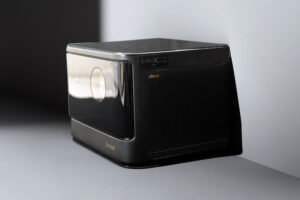
Sound diffusion and heat dissipation are provided by the grilles on each side of the projector. The projector is equipped with 2 x 12-watt speakers, which should deliver a sound powerful enough for this type of projector
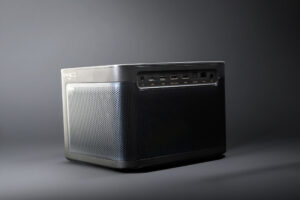
At the rear, there's a grille to draw in cooler air from the room and cool the projector. There's also a full range of connectors, including a headphone output, two USB 2.0 ports, 2 HDMI ports (1 of which is eARC), an SPDIF digital audio output and an RJ45 ethernet port.
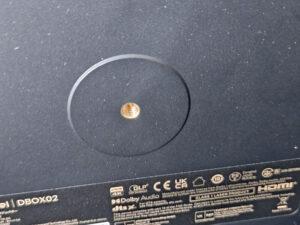
You can also mount the projector on a tripod. You can use the standard screw thread on the underside of the projector. Given the projector's size, I'd advise you to use a three-legged tripod to ensure maximum balance.
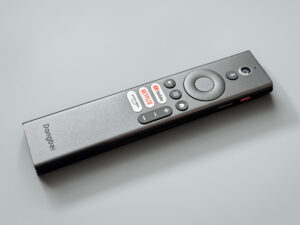
The remote control is very practical, with a limited number of buttons and a quick reference guide. The 2 AAA batteries needed to operate it are supplied in the box
Projection room
My projection room is rectangular, 4.6m by 2.9m (height 2.2m). I have two projection walls, one white wall 2.9m wide with just white paint with a possible 4m setback. I then have a 133 inch ALR screen on another wall with a possible setback of 2.8m. I mainly use the ALR screen except when the layout or type of projector is not suitable for this situation.Battery autonomy
This projector is not equipped with a battery.Power consumption
Illuminated projectors often consume a lot of energy, but using a laser source greatly reduces power consumption. I measured the power consumption with the "eco" light mode and obtained a consumption fluctuating around 100 watts. I then measured consumption in "standard" mode and obtained a figure of around 130 watts. It's the performance mode that consumes the most power, with consumption close to 160 watts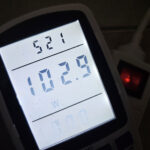
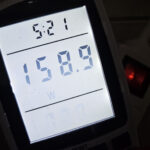
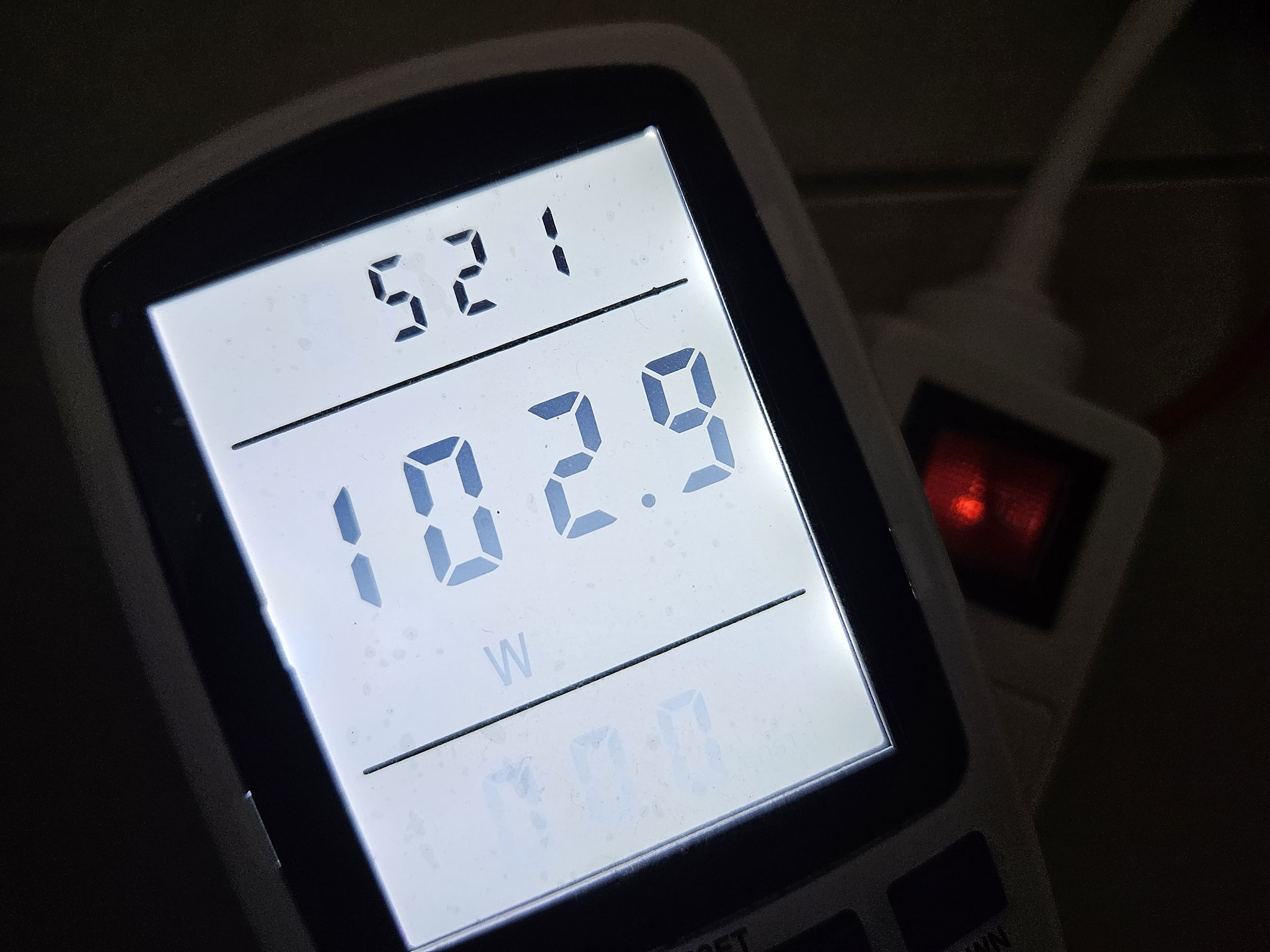
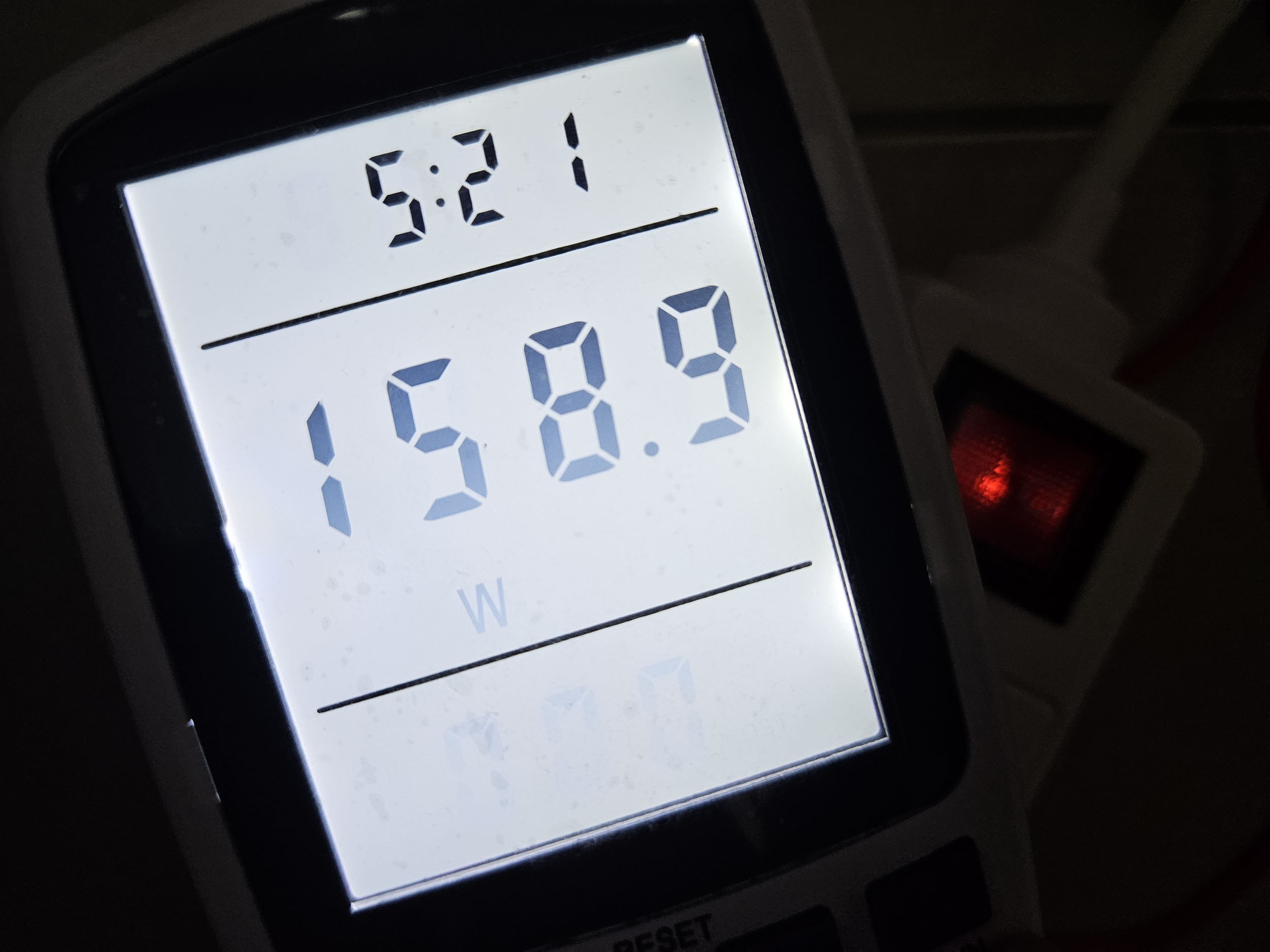
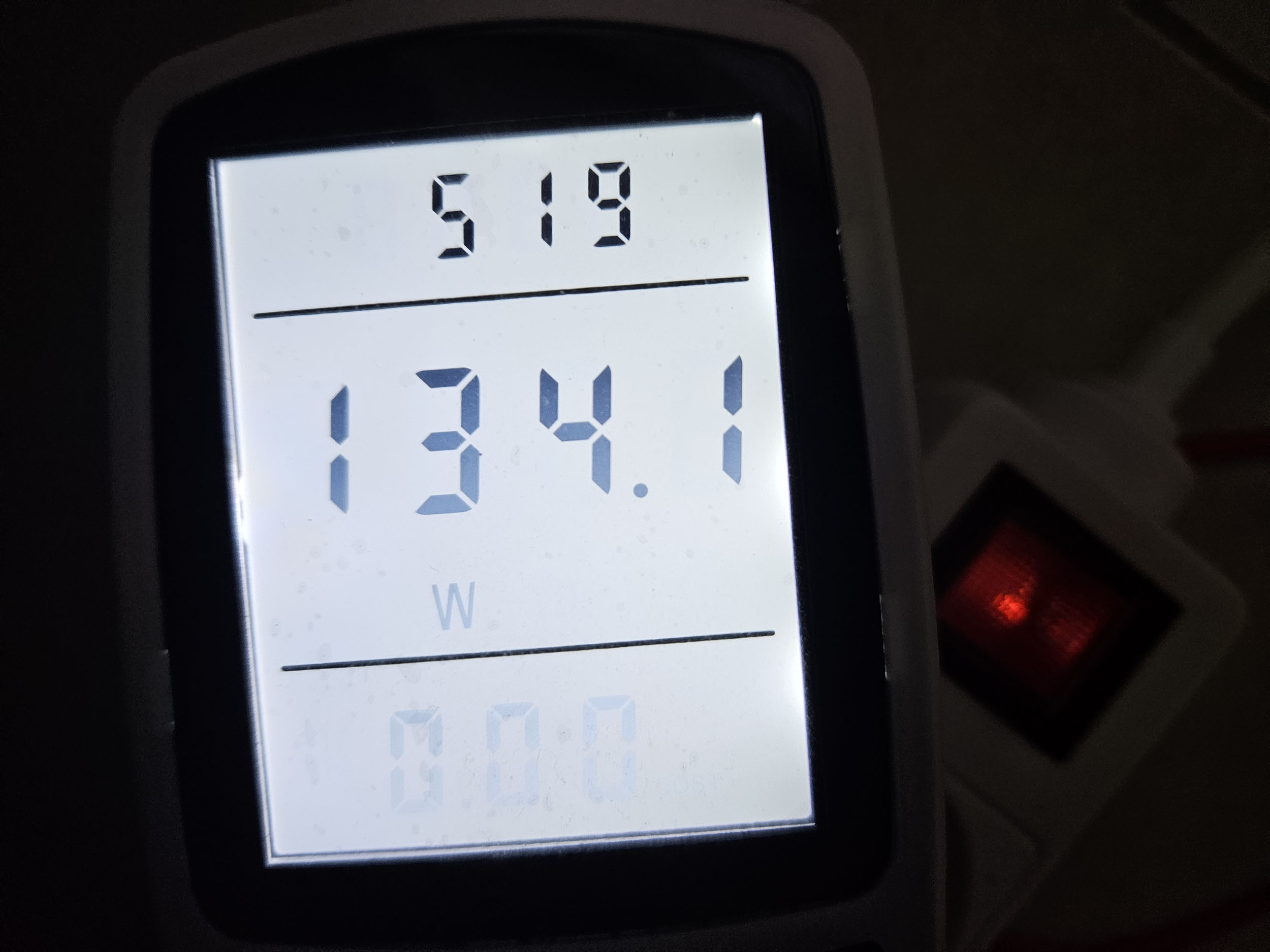
This is a very good level of consumption for such a bright projector.
Operating noise
The Dangbei Mars Pro 2 isn't very noisy, but the noise level isn't constant, it fluctuates according to ventilation requirements. I measured just over 40 decibels close to the projector and less than 35 dB at a distance, but the noise level can sometimes increase a little. It's a bit like the Valerion Visionmaster Plus 2; I'd have preferred the noise to be constant, so I wouldn't notice it so much when it starts up.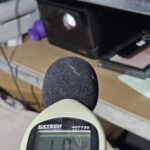
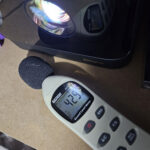
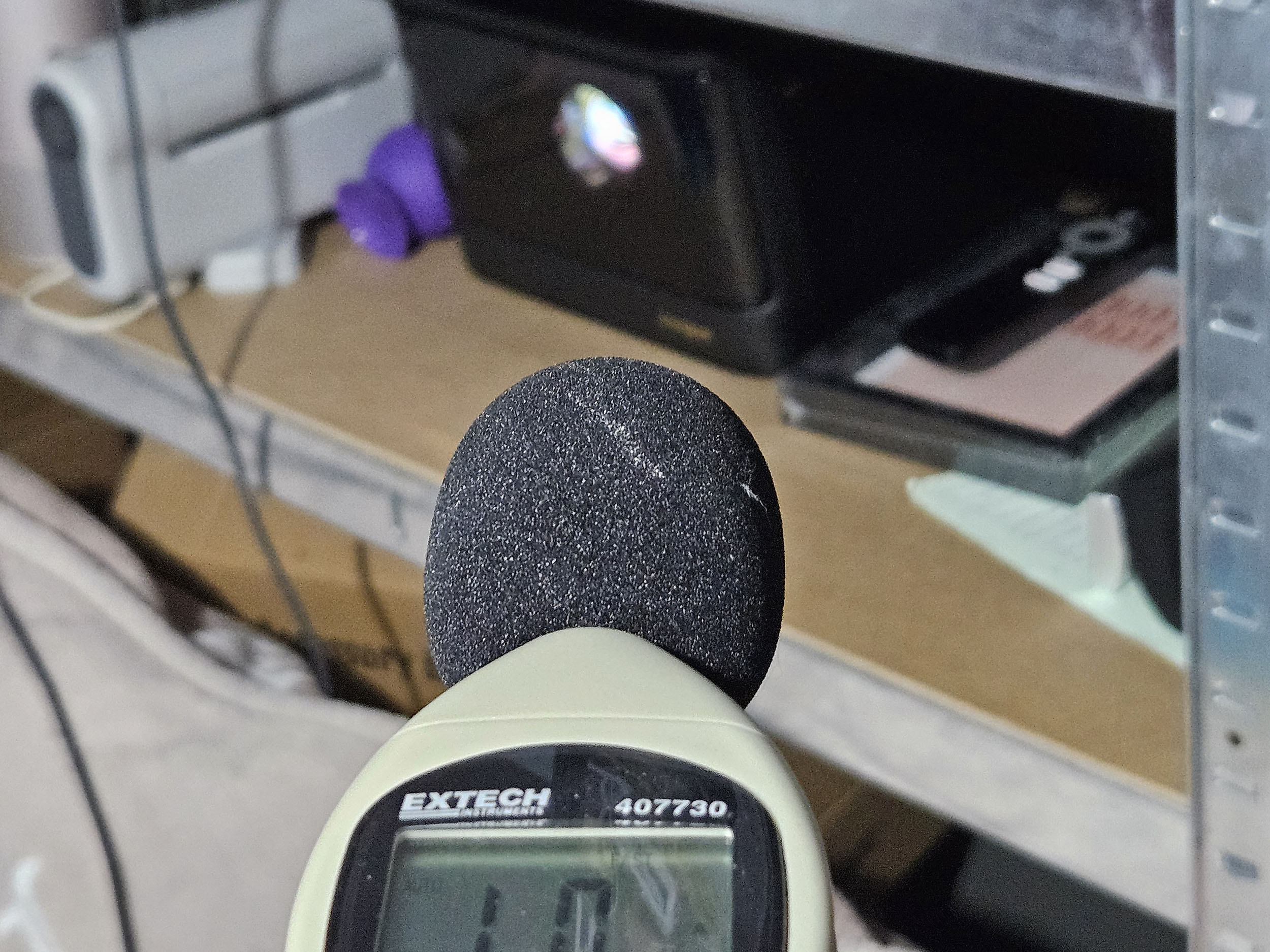
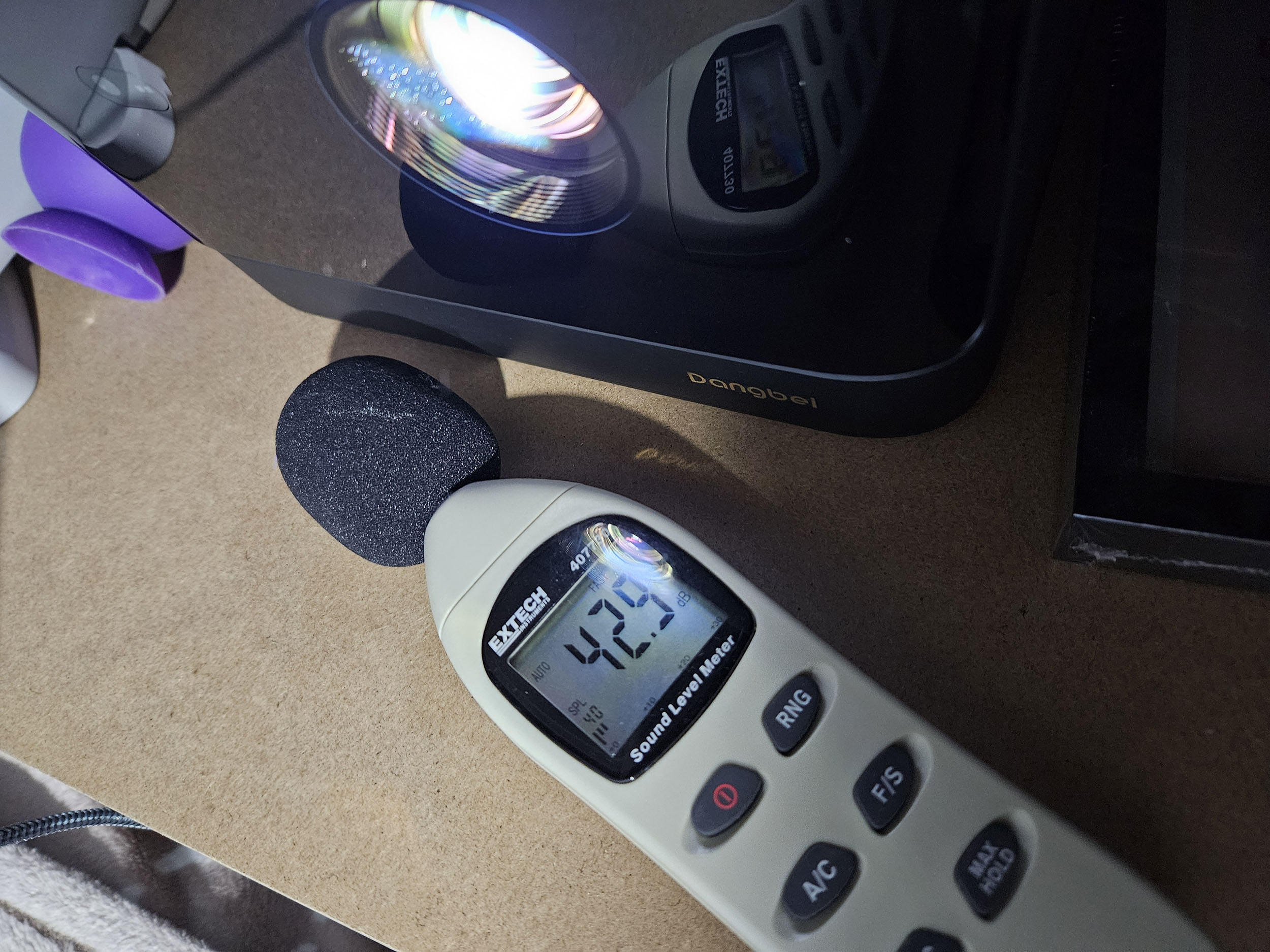
Image quality
Not yet available / testedColorimetry
More explanations on colorimetry
Measuring color fidelity (colorimetry) is not a subjective question, it is something completely measurable. This measurement is carried out with a device (colorimeter, spectrometer, ...) which measures the difference between the real color and the displayed color. This difference is expressed in delta E (abbreviation: dE). A dE greater than 3 indicates a deviation perceptible to the human eye.
The dE must therefore be as low as possible but projectors rarely have a dE lower than 3 out of the box. They are often between 5 and 10, only a calibration can correctly adjust the colors.
For a perfect calibration, you must call a professional. I give you my parameters which correspond to my situation. These settings might work for your situation but it is not a guarantee, so take them as an indication of the direction to follow.
Colorimetry in SDR (REC709)
I measured the colorimetry for each available configuration on a white screen with a gain of 1.2
(dE colors, dE grays, dE white, white temperature)
"standard" (7.37, 14.78, 12.7, 9367K)
"vivid" (9.36, 15.79, 12.9, 9480K)
"movie" (6.51, 3.02, 8.3, 7199K)
"game" (10.9, 18.77, 15.1, 10566K)
The "movie" configuration is by far the best, because even if the delta E isn't perfect, it's still much better than the other configurations, and it's quite rare to get a delta E of this level out of the box. All configurations produce an image that's too cold, with bluish tints that are quite pronounced for the "game" configuration
After calibration, I obtain a color delta E of 2.01, a gray delta E of 1.66, a white delta E of 1.9 and a white temperature of 6658K. Clearly better than the basic configuration.
Here are my calibration parameters for the SDR, I'm only indicating the parameters that have changed, the others are those chosen by Dangbei. These parameters are valid for a white screen. If I find the time, I'll do the same for a gray screen.
Custom color temperature
Red gain 4
Gain towards -28
Blue gain -39
Hue
Red 53
Cyan 45
Saturation
Red 42
Brightness
Red 53
Cyan 55
.Image SettingsNot yet available / tested
Brightness
More explanations on brightness
The brightness for a projector is absolutely crucial. The brightness is measured in ANSI lumens and the values provided by the manufacturer are very often higher than reality.
I measure the brightness with a lux meter and I convert my measurements into ANSI lumens in relation to the projection surface. You thus obtain a real value.
A video projector, even if it is bright, cannot compete with a television. The contribution of light (natural or artificial) will have the effect of drastically reducing the contrast of your image. With a brightness lower than 1000 ANSI lumens, the projector must be used in total darkness.
The Dangbei Mars Pro 2 dbox02 features three brightness levels: eco, standard, performance. It's also possible to manually select light intensity on a scale of 1 to 10. I measured brightness in the 3 basic modes, which will give an indication of light output:
Eco mode: 1404 lumens
Standard mode: 1858 lumens
Performance mode: 2103 lumens
Performance mode is not really usable, as the fan makes far too much noise to be able to watch a film in good conditions.
SharpnessMy first impression of this projector's sharpness was good but not exceptional. It was while testing the auto focus that I discovered the usefulness of the little red button on the remote control. This button allows fine adjustment of sharpness, and that's when everything changed. The sharpness adjustment provides an exceptionally high level of sharpness. Lines 1 pixel apart are perfectly visible, there's not the slightest visible flaw. On the photos, you'll occasionally see some odd shapes, but these appeared when I resized the images. In reality, the vertical and horizontal lines are impeccably sharp.
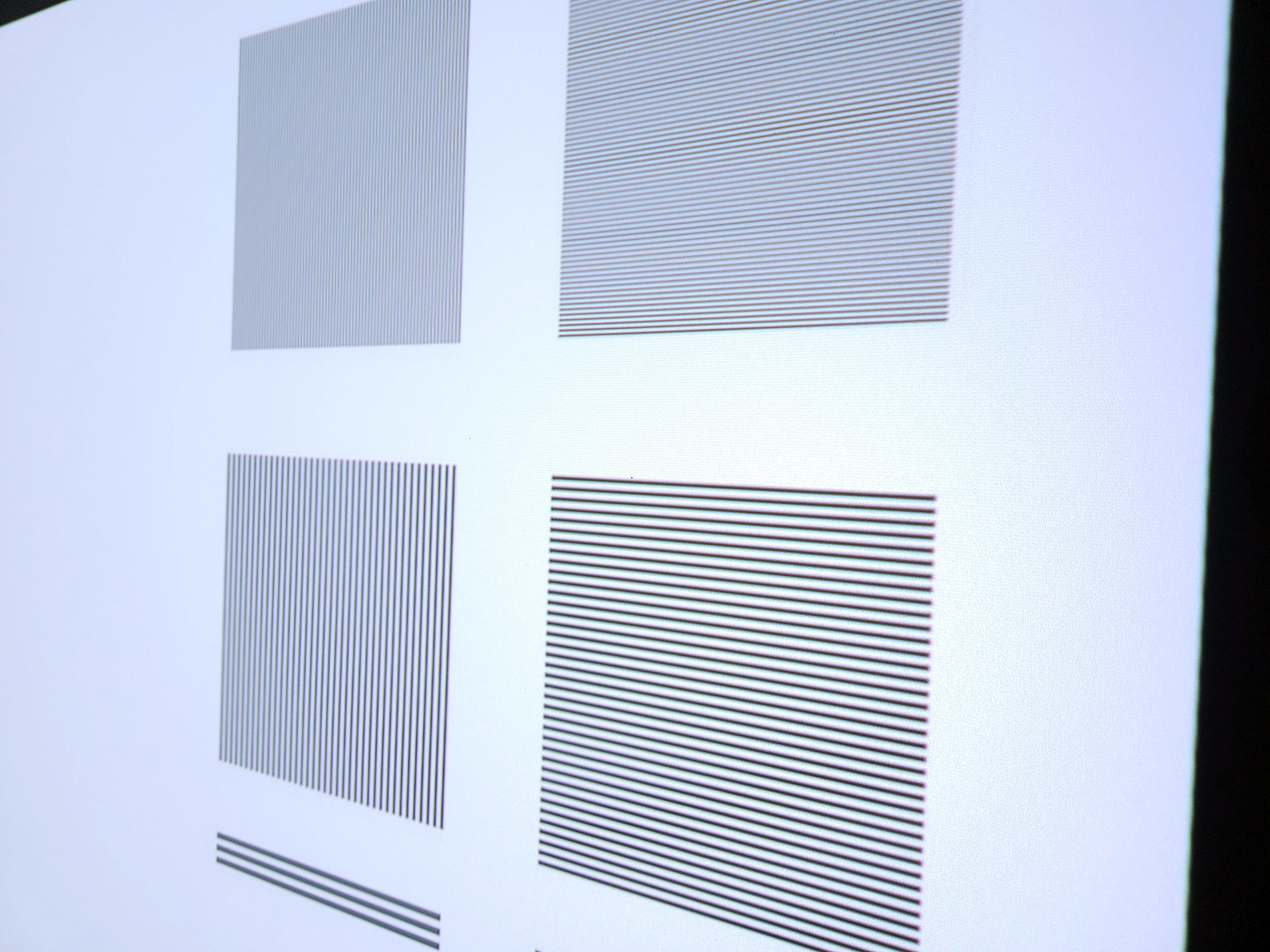
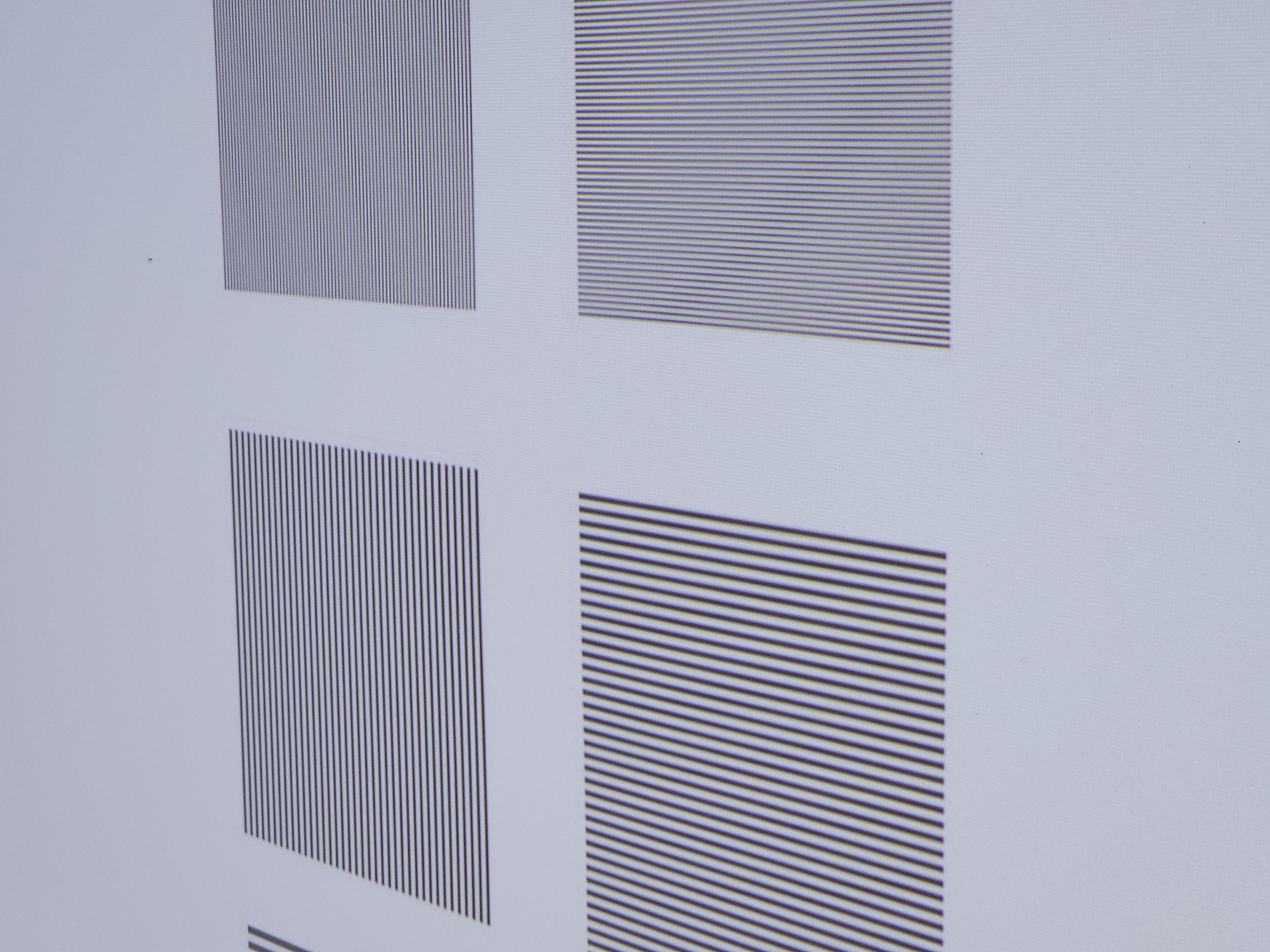
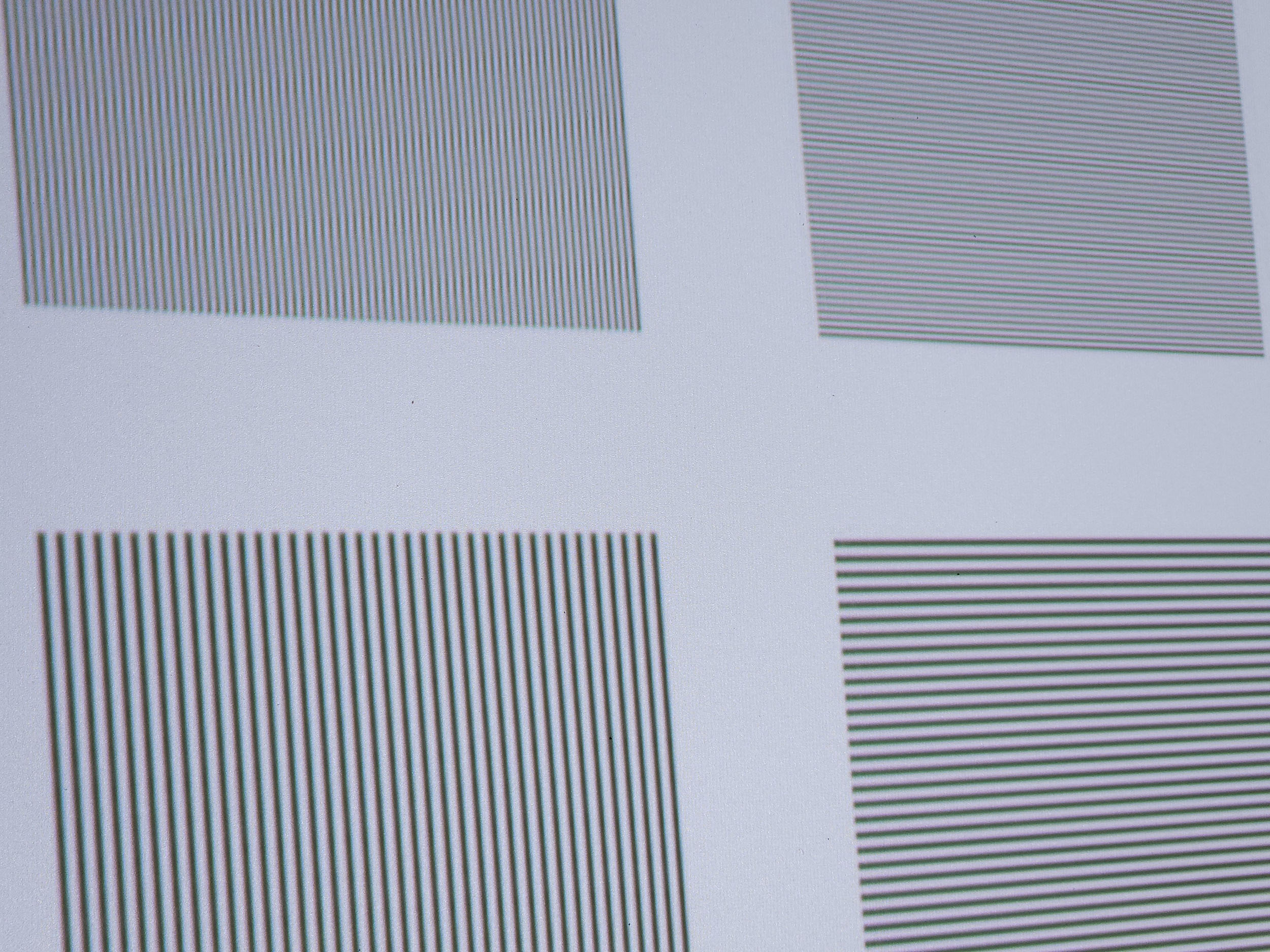
This excellent sharpness can be seen at first glance on the texts, I really had the impression that the characters had been chiselled with a precision tool.
Contrast
More explanations on contrast
Contrast (on/off) is used to measure the difference between white and black. This measurement gives an indication of the ability of a projector to produce a good rendering in dark scenes.
A contrast lower than 500:1 should be considered as a very low contrast and the consequence will be especially visible in dark scenes where you will lose details. This is less of a problem for sports, bright films or even cartoons.
A low contrast ratio does not mean that a projector is not usable, you just have to be aware that for films like Aliens, dark scenes will no longer allow you to distinguish details.
As for colors, I tested contrast in all configurations using the "standard" light mode. I was curious to see whether using the laser with the DMD 0.47 chip would push contrast to a higher level than LED projectors using the same chip. Unfortunately, this is not the case: contrast is rather low, and despite my attempts to improve it, I didn't manage to exceed 800:1
Standard 823:1
Vivid 392:1
Movie 332:1
Game 378:1
Calibrated: 630:1
This result surprised me a little because I always use the Batman trailer to make up my mind, and I found that the dark scenes were quite bright, as on projectors with good contrast. Usually, low contrast doesn't allow you to distinguish details in dark areas, but that's not the case with this projector. Why not? The element that misled me was the black level. Black is too bright, it's gray. All dark scenes are therefore less dark and almost as visible as a projector with higher contrast. The problem is that everything is grayish and you lose all the depth that higher contrast could offer. I wouldn't be surprised if this was a deliberate choice on Dangbei's part.
So you'll be able to watch dark movies, but dark scenes will be less dark and the picture will appear brighter overall. Motion compensation
More on Motion Compensation (MEMC)
Many projectors use a frequency of 60 Hz, which means that they broadcast 60 frames per second. Many films were designed to broadcast 24 frames per second. This means that for each second, the film does not have enough frames to fill the 60 frames broadcast by the projector.
This most often results in a jerkiness in the image. Some projectors are able to attenuate this jerkiness with a motion compensation system (also called MEMC). If you abuse this compensation, you will get what is called the 'soap opera' effect which makes the image a little artificial like the TV series of the 80s.
Image size and projection distance
More explanations on the projection distance
The projection distance determines the size of the image and the size of the image is determined by the projector's throw ratio. If a projector has a throw ratio of 1.2, it will have an image width of 83 cm with possibly a gray border.
The distance also plays a role in the brightness because the brightness decreases with the square of the distance. A projector placed at 4 meters will therefore lose 4 times more brightness than a projector placed at 2 meters.
Keystone image correction does not modify the projection cone, it resizes the image inside the projection cone. This means that in the event of a significant correction, you will see a large gray border appear around your image.
The following two graphs will show you at what distance you can place the projector to obtain good brightness. These calculations are based on brightness in standard mode and then in eco mode, and are valid for a neutral white screen with no gain.
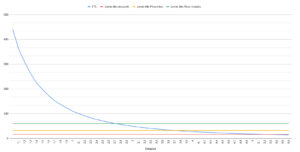
With 1858 lumens, you can achieve an image width of just over 433 cm and a distance of 5.2 meters
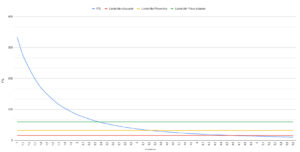
With 1404 lumens, you can achieve an image width of just over 370 cm and a distance of 4.5 meters
With such brightness, you can easily opt for a gray screen, which will have the effect of reducing overall brightness and increasing the image's perception of depth.
If you take, for example, a gray screen with a gain of 0.6m, you can aim for a base of 340 cm at 1858 lumens and a base of 305 cm at 1404 lumens.
Screen choice
The best choice of screen for this type of projector is a gray cloth screen with a gain of less than 1. The projector is bright enough to withstand the drop in brightness caused by the screen. This type of screen will also bring the black level down to a more natural level. An ALR-type screen for an ultra-short-throw projector will also work, but with less-than-optimal brightness management. I've tested this projector on a NothingProjector screen, and it partially compensates for the low contrast.Audio quality
More explanations on audio quality
I use several types of music tracks to illustrate the sound quality of the projector but the rendering will always be limited by the recording device. Since I always use the same device, you will be able to compare the difference on the same basis.
I regularly use well-known songs protected by copyright to illustrate the sound quality of a video projector. It therefore sometimes happens that YouTube decides to block my videos for these reasons. In this case, you can listen to the soundtracks directly on YouTube and hope that YouTube has not completely blocked my channel.
Video games
More explanations video games
To be able to play in good conditions with a projector, the latency must be low. Latency is the reaction time between pressing a button on your controller and the reaction on the screen, this latency is expressed in milliseconds and is also called 'input lag'.
I measure this latency with a specialized device. To be able to play fast-paced FPS-type games online, you need to obtain a latency of less than 30 ms. For games where the reaction time is less important, a latency of less than 100ms should be suitable for most situations.
I generally test ShadowRunner from Geforce Now on my Nvidia Shield except when this is not possible. I'm not used to playing with a controller, so I'm not very good at it, but the point is to show the projector's ability, not mine.
Encoutered bugs
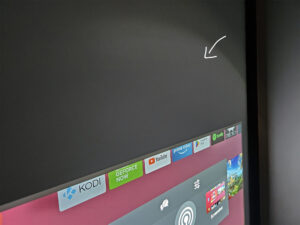
I've noticed a halo of light around my screen, as you can see in this photo. This is an internal reflection of the optical block, and is already visible near the projector if you place it on a stand. It's not excessively annoying, but this circle of light is visible
I often use Kodi to play my local content, and I've encountered a number of blockages with this projector. The application would go into standby with the loading wheel spinning with no way to get out. I've never experienced this on any other projector.
ALR/CLR Projection screen
Are you looking for a good ALR/CLR screen for your projector? I may have what you need:ALR/CLR NothingProjector Screen
Test / Review conclusion
I always test my projectors based on measurements, but before going into my test protocol, I always watch the same videos to get a first subjective impression. The first thing I noticed was the brightness. This projector is bright, and that often translates into higher operating noise and power consumption. Not so with this projector. Most major brands have been greenwashing in recent years, and energy consumption is one of the arguments put forward by Dangbei. So, greenwashing? Actually, no, because the projector doesn't consume much energy at this level of brightness. After the brightness, it's the sharpness that impressed me. The basic sharpness is good, but the little red button on the remote control allows fine-tuning to further improve sharpness. I don't have a tool for measuring sharpness in figures, but if I did, I think this projector would get the highest score. The sharpness is unbelievable, it's almost surgical precisionContinuing on, I was excited enough to discover this projector's other strengths. Testing out the Batman trailer I'm surprised by the clarity of the image and this often translates into a good level of contrast. Unfortunately this isn't the case, but what has deceived my eye is the brightness of the black. Low-contrast projectors usually fail to bring out detail in dark areas, this is not the case with this projector and yet its contrast is low. By pushing the brightness of the black, this projector manages to unclog the dark areas, but this is to the detriment of ambience. Black becomes gray and the image is too bright overall
The basic colorimetry is too cold, as is often the case. Choosing the "movie" mode improves the situation, but to get the most out of this projector, calibration is necessary. I've shared my settings with you in this article.
Gamers will be delighted to learn that this projector boasts low enough latency to be used with a games console.
Sound rendering is of good quality, the sound is quite powerful and you can choose between several types of sound configuration that will either emphasize low tones or high tones. You can also give the voices a boost to reinforce dialogue in noisy scenes
So this projector ticks a lot of boxes, but its main weakness in terms of contrast spoils the party a little, because in this price range, it's clearly a weak point. And it's the price that's going to be the arbiter, because if this price were closer to €1,000, the low contrast would become more acceptable, but for a price close to €2,000 it's clearly too much.
Strengths
Brightness
Exceptional sharpness
Reduced input lag
Colorimetry after calibration
Power consumption
Operating noise
Netflix compatibility
Google TV
Effective motion compensation
Sound rendering
Weaknesses
Contrast
Black brightness too high
Peripheral halo



Commentaires (2)