




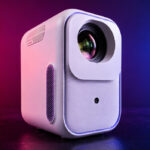
Will this Episode Two perform as well as the Xming Page Two that I recently reviewed? That’s what I invite you to discover in this comprehensive review!
Where to buy?
The Xming Episode Two is available for under €300 at NothingProjector with a lowest-price guarantee—if you find it cheaper elsewhere, they’ll match the price.Xming Episode Two / NothingProjector.com
NothingProjector offers a 45-day best-price guarantee. So if you find it cheaper elsewhere, they’ll match the price.
Site where I have bought or received the : https://nothingproje...
Timeline
Late May 2026: I received the Xming Episode Two, but testing won’t begin until mid-June because I’m swamped with other projector reviews that arrived before this one. If you have any questions before the review is finished, feel free to ask them in the comments.Why this projector?
Reviews of entry-level LCD projectors aren’t usually very interesting because most of these projectors share the same shortcomings, and there isn’t much of note to say. However, I was surprised by the Xming Page Two, which is clearly one of the best projectors in this price range. This little Xming Page Two has a few strengths to offer that also set it apart from the crowd.Unpacking
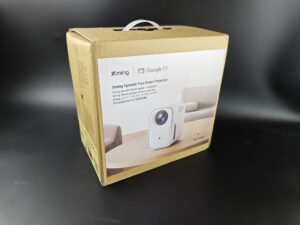
The box for the Xming Episode Two isn't anything special; in fact, it isn't very attractive because it's made of some kind of recycled cardboard. Of course, that doesn't matter at all—the projector itself is well protected, and that's all that counts.
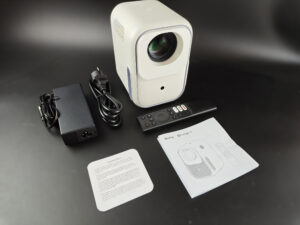
The box contains the projector, a remote control without batteries (it requires 2 AAA batteries), a manual, and a power adapter.
Operating system
The Xming Episode Two runs on Google TV, just like the Xming Page Two. This is both a good thing and a problem in certain situations. Using Google TV gives you native access to many apps like YouTube, Netflix, Amazon Prime, and more, but this projector isn’t very powerful and has limited memory. This means that some apps might be quite sluggish to use and cause the projector to slow down. If you focus mainly on streaming apps, this won’t be a problem. However, if, like me, you use Kodi to play local files, you’ll quickly notice the device’s limitations.Finish
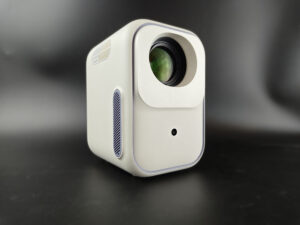
This small, entry-level projector has a rather sleek design. It largely follows the shape and size of previous models but is slightly more compact. I wouldn't go so far as to say it fits in a pocket, but it's a projector designed to be easily portable.
It measures 17 cm deep by 12 cm wide by 13 cm tall and weighs less than 2 kilos. The only drawback to its portability is the large power supply, which seems disproportionate to the projector’s size, but this is fairly common with this type of projector.
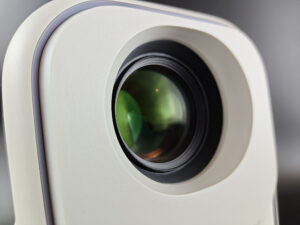
The massive optical unit dominates the front of the projector, but don’t let its size intimidate you—it has no impact on brightness or image quality. Entry-level LCD projectors all have a large optical block like this one, and unfortunately, the quality of these optical blocks is generally not very good. You’ll see later in this review that this isn’t the case for this model—it performs quite well compared to the competition.
The image is centered relative to the optical block, which means that the center of the optical block corresponds to the center of the image. If you position the projector high up or low down, you’ll inevitably have to tilt it, which will trigger keystone correction. The best position for this projector is to align it directly with the center of the screen.
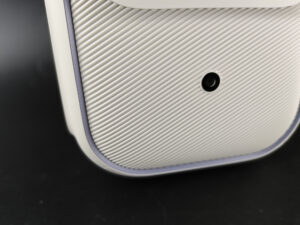
The depth sensor handles both focusing and keystone correction. If you move the projector slightly, it will react quickly enough to refocus and adjust the image based on the projector’s orientation. I say this often, but this type of correction does not affect the projection cone. This means that even if the projector adjusts the image size, the optical system will still project light across its entire aperture. Keystone correction resizes the visible image within the projection cone, so you’ll see a large gray border if the correction is significant. This is the same for all projectors that use this type of correction.
I regularly receive messages from users who think the projector is defective because they notice a gray border around the image. No, the projector isn’t defective; it’s just a normal consequence of using keystone correction.
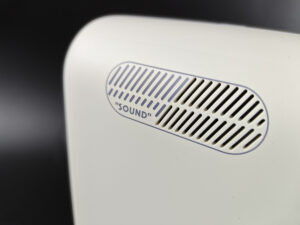
The projector is equipped with two small 3-watt speakers. So you won’t be shaking the furniture with the sound from this projector, but it’s powerful enough for most everyday uses.
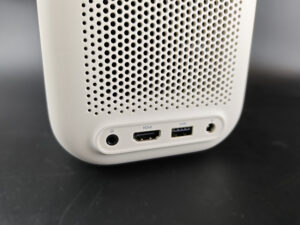
The connectivity options are fairly basic but sufficient, since this projector isn’t intended to be used as a home theater projector; it features a USB 2.0 port, an HDMI input, and a headphone output.
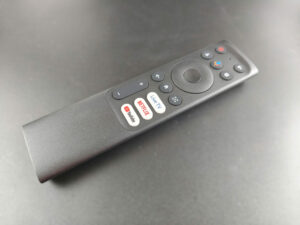
The remote control is very standard but effective. The raised buttons make it easy to find your way around in the dark since the remote isn’t backlit.
Projection room
My projection room is rectangular, 4.6m by 2.9m (height 2.2m). I have two projection walls, one white wall 2.9m wide with just white paint with a possible 4m setback. I then have a 133 inch ALR screen on another wall with a possible setback of 2.8m. I mainly use the ALR screen except when the layout or type of projector is not suitable for this situation.Battery autonomy
This projector does not come with a battery.Power consumption
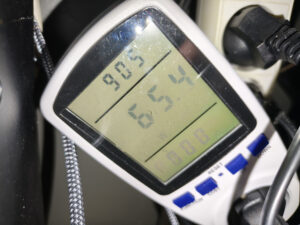
I measured a power consumption of 65 watts, which is very low, but for a projector with such low brightness, the brightness-to-power ratio isn’t very impressive. Unfortunately, this is often the case with projectors of this type, and I suspect that the energy required for cooling plays a significant role in the power consumption.
Operating noise
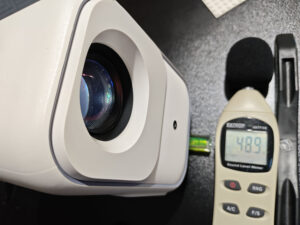
The entry-level LED + LCD panel combination almost always yields the same result: this small projector isn't very quiet. It's not the worst—it's just average—so you'll hear it humming during the quiet moments in your movies and TV shows.
Image quality
Not yet available / testedColorimetry
More explanations on colorimetry
Measuring color fidelity (colorimetry) is not a subjective question, it is something completely measurable. This measurement is carried out with a device (colorimeter, spectrometer, ...) which measures the difference between the real color and the displayed color. This difference is expressed in delta E (abbreviation: dE). A dE greater than 3 indicates a deviation perceptible to the human eye.
The dE must therefore be as low as possible but projectors rarely have a dE lower than 3 out of the box. They are often between 5 and 10, only a calibration can correctly adjust the colors.
For a perfect calibration, you must call a professional. I give you my parameters which correspond to my situation. These settings might work for your situation but it is not a guarantee, so take them as an indication of the direction to follow.

I measured the color performance of this projector, and the results aren't very good—or at least, they aren't very good compared to slightly more expensive DLP projectors. The technology used in this type of projector doesn’t allow for precise color accuracy, so there are significant deviations across just about all colors.
Ideally, a color should have a Delta E of 3 or less; here, yellow performs the best with a Delta E of 7.4. All other colors deviate significantly. This doesn’t mean that blue will turn green or red; it means that the colors will never reach the level of saturation required to fall within the REC709 color space. The colors will therefore appear duller than on a DLP projector.
I can easily illustrate this with the gamut triangle:
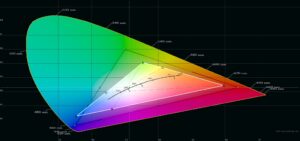
In theory, projectors should at least cover the black triangle to achieve accurate color reproduction. The white triangle represents the results of my measurements, and you can clearly see that the white triangle is smaller than the black triangle. This is normal for this type of projector; it’s the same for all entry-level LED/LCD projectors. It’s a technological limitation, and no settings can change that.
That doesn’t mean the picture will be terrible to watch; it might even look perfectly fine with simple content. You just need to be aware that this type of projector isn’t designed to mimic a movie theater experience; it’s a supplementary projector for, say, playing video games, watching a soccer game, or watching movies while on vacation.Image Settings This projector uses an official version of Google TV, which means there are many customization options; however, technical limitations will prevent you from taking full advantage of them to calibrate the projector. For example, the projector is unable to achieve the color saturation of the REC709 color space, and adjusting the various saturation settings won’t change that.
Brightness
More explanations on brightness
The brightness for a projector is absolutely crucial. The brightness is measured in ANSI lumens and the values provided by the manufacturer are very often higher than reality.
I measure the brightness with a lux meter and I convert my measurements into ANSI lumens in relation to the projection surface. You thus obtain a real value.
A video projector, even if it is bright, cannot compete with a television. The contribution of light (natural or artificial) will have the effect of drastically reducing the contrast of your image. With a brightness lower than 1000 ANSI lumens, the projector must be used in total darkness.
I measured a brightness ranging from 311 to 323 lumens depending on the selected configuration, so there is very little difference between configurations. With this level of brightness, this projector can only be used in the dark, and you should consider a screen no larger than 65 inches. Beyond that size, the image will be too dark.
I’ll illustrate two scenarios that show what it means to have just over 300 lumens:
- a bright image
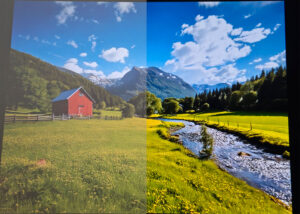
On the left, the photo was taken in a well-lit room. You can still make out the entire image very clearly because it’s full of bright, vivid colors. The loss in brightness is noticeable but not catastrophic.
- A dark image
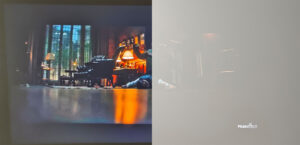
The situation here is very different; the dark areas of the image are completely lost in the ambient light.
These examples show that for very bright content that isn’t color-intensive—such as a soccer game—this projector will work just fine and let you enjoy a slightly larger image than a TV, all for a significantly lower price.
Sharpness
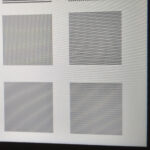
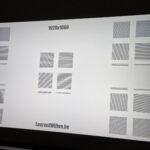
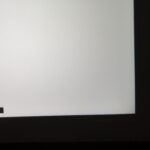
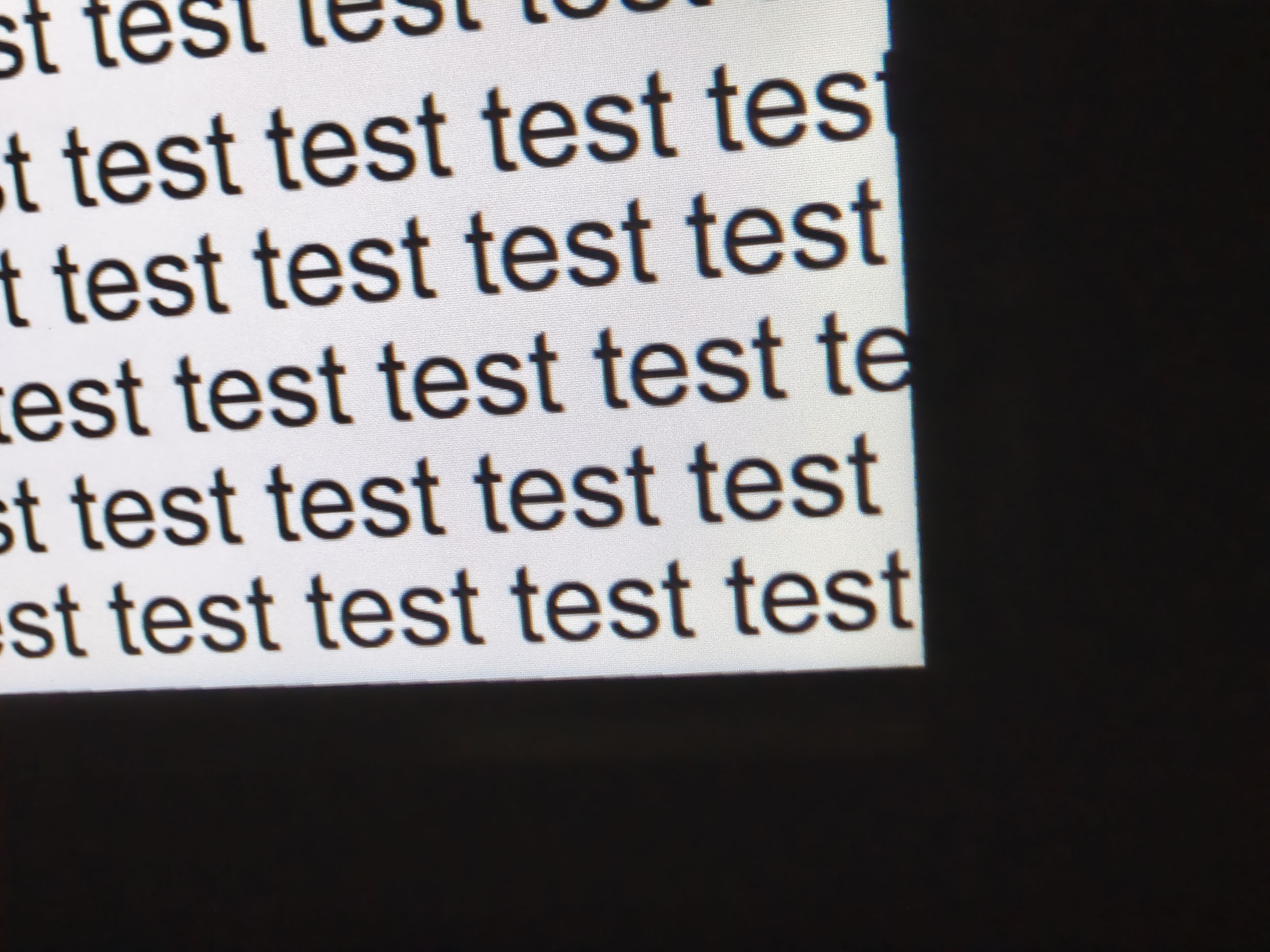
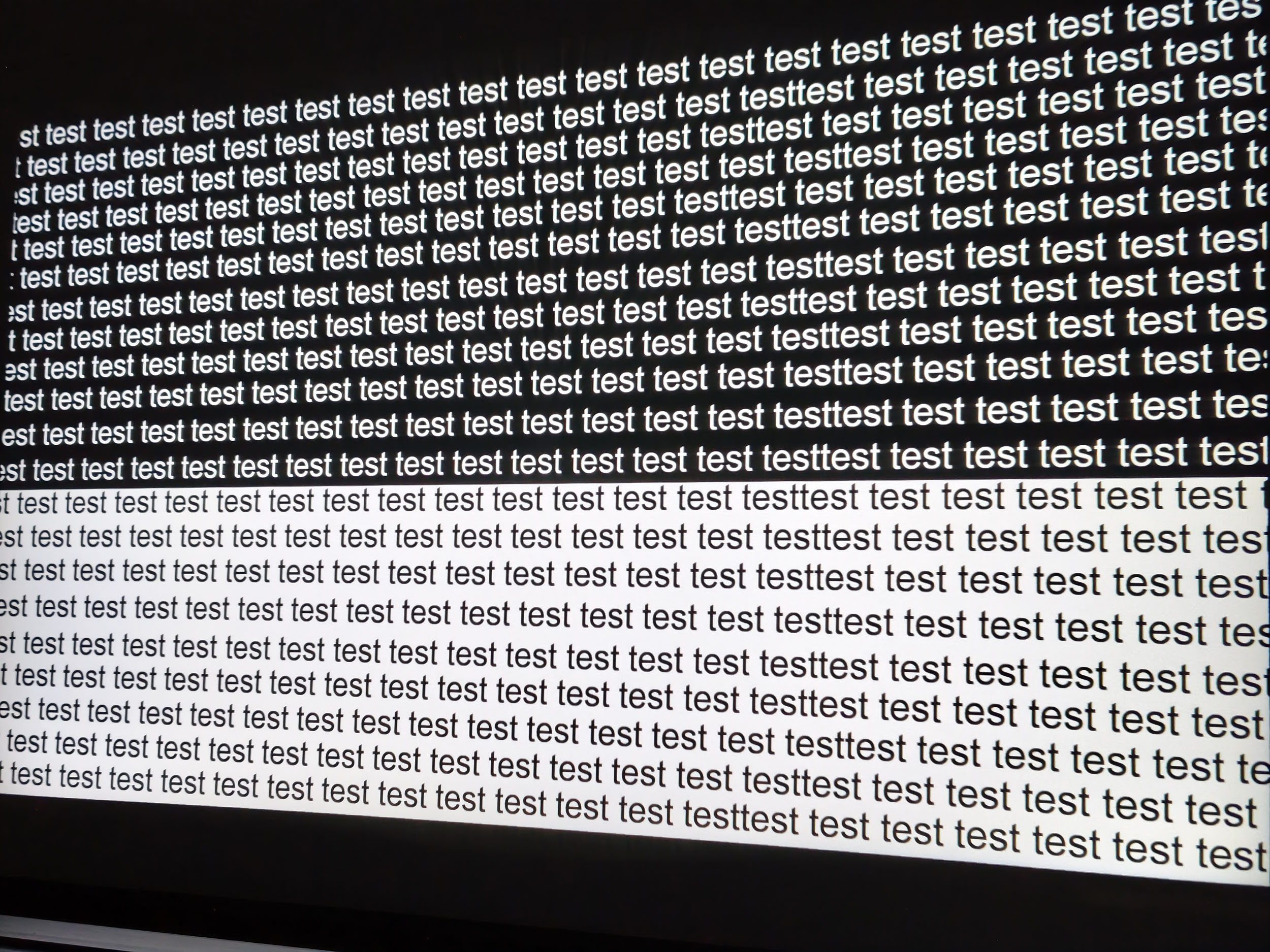
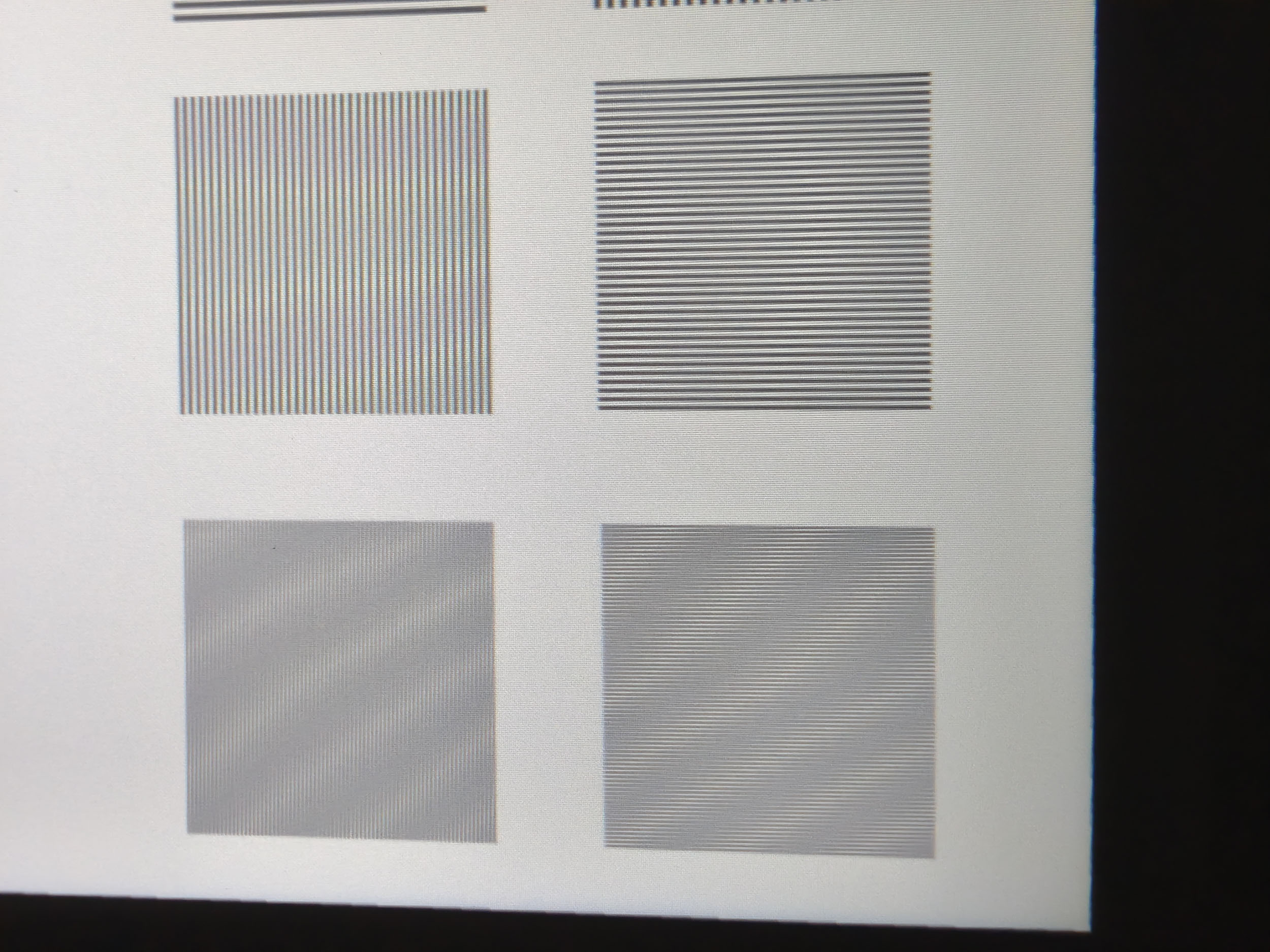
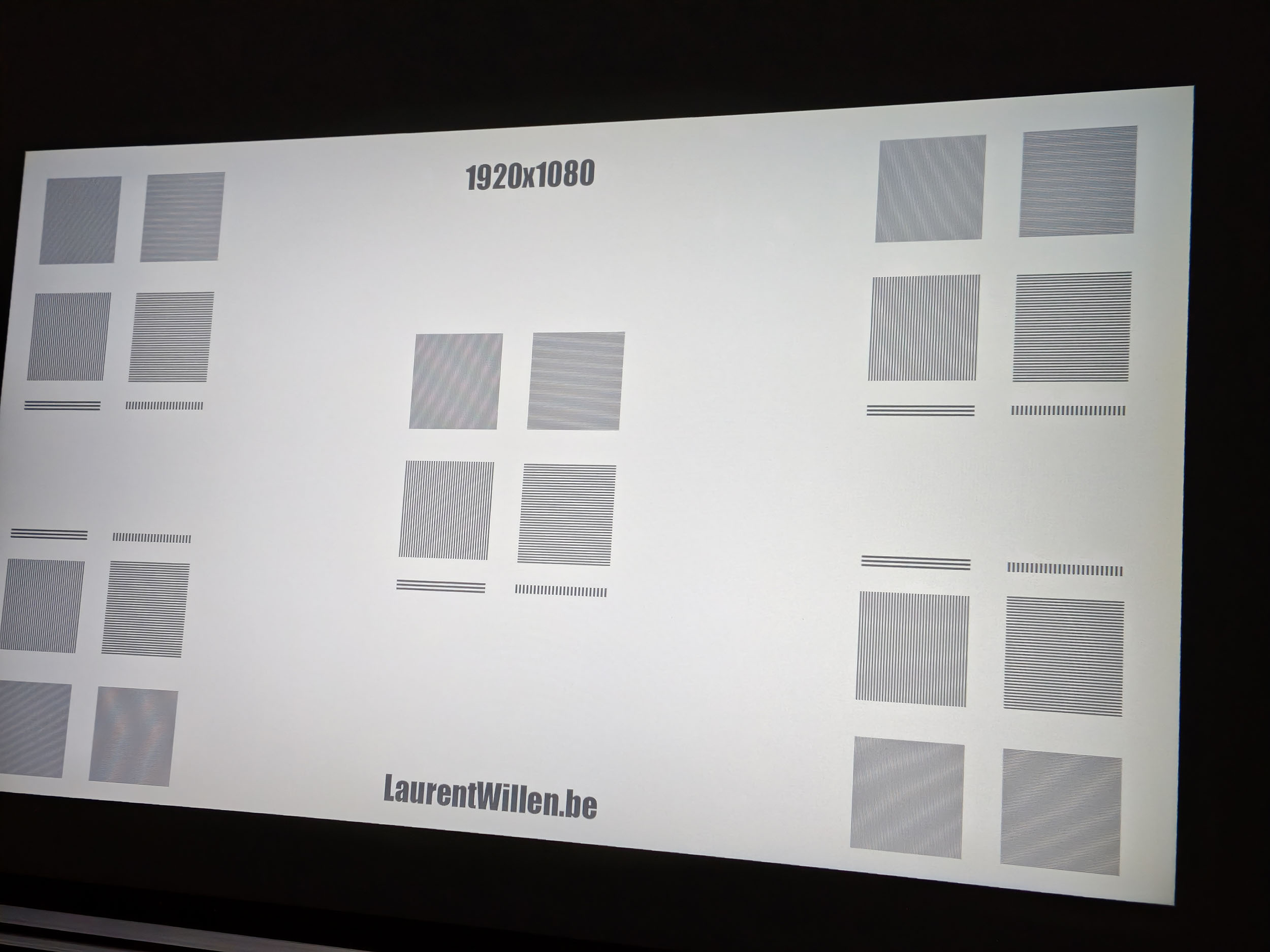
Projectors of this type often have lower-quality optics, but that’s not taking into account that Xming is a brand of the Formovie Group, and Formovie knows how to produce very good projectors. The optics on this Xming Episode Two are of much higher quality than those found in the vast majority of entry-level LCD projectors. There’s a slight loss of sharpness at the edges, but it’s not really a problem, and I also notice a slight loss of brightness—yet even here, it’s significantly better than most competing products.Contrast
More explanations on contrast
Contrast (on/off) is used to measure the difference between white and black. This measurement gives an indication of the ability of a projector to produce a good rendering in dark scenes.
A contrast lower than 500:1 should be considered as a very low contrast and the consequence will be especially visible in dark scenes where you will lose details. This is less of a problem for sports, bright films or even cartoons.
A low contrast ratio does not mean that a projector is not usable, you just have to be aware that for films like Aliens, dark scenes will no longer allow you to distinguish details.
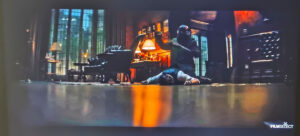
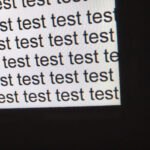
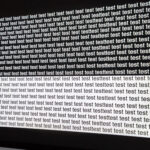
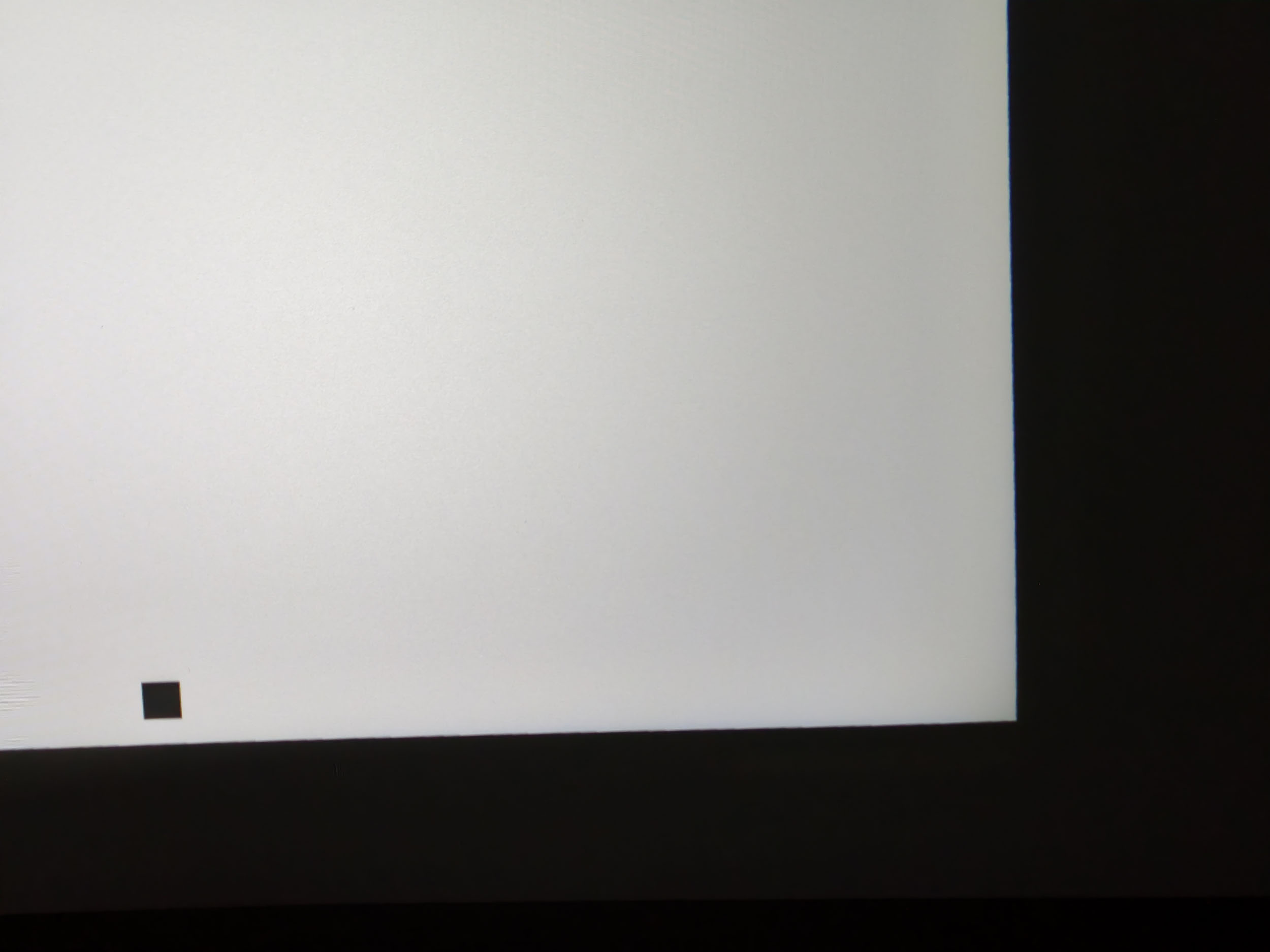
I had been impressed by the contrast figures of the Xming Page Two, which had easily outclassed all the competition—is this also the case for the Xming Episode Two? Unfortunately not; the contrast is good, as this image shows, but it doesn’t reach the peak achieved by the Xming Page Two. In this price range, a contrast ratio of around 1500:1 is still a good result—it outperforms many DLP projectors priced over €1,000.
Unlike other Chinese brands, Xming hasn’t tried to oversell its projector’s capabilities. They state that the projector has a contrast ratio of 1500:1, and in fact, measurements confirm this is indeed the case—1471:1, to be precise.
Motion compensation
More on Motion Compensation (MEMC)
Many projectors use a frequency of 60 Hz, which means that they broadcast 60 frames per second. Many films were designed to broadcast 24 frames per second. This means that for each second, the film does not have enough frames to fill the 60 frames broadcast by the projector.
This most often results in a jerkiness in the image. Some projectors are able to attenuate this jerkiness with a motion compensation system (also called MEMC). If you abuse this compensation, you will get what is called the 'soap opera' effect which makes the image a little artificial like the TV series of the 80s.
Like most projectors running Google TV, this model lets you adjust the level of image smoothing to prevent judder during fast-moving scenes. This isn't common in this price range.
Image size and projection distance
More explanations on the projection distance
The projection distance determines the size of the image and the size of the image is determined by the projector's throw ratio. If a projector has a throw ratio of 1.2, it will have an image width of 83 cm with possibly a gray border.
The distance also plays a role in the brightness because the brightness decreases with the square of the distance. A projector placed at 4 meters will therefore lose 4 times more brightness than a projector placed at 2 meters.
Keystone image correction does not modify the projection cone, it resizes the image inside the projection cone. This means that in the event of a significant correction, you will see a large gray border appear around your image.
The Xming Episode Two has a throw ratio of 1.2, which means that for every meter of distance from your wall or screen, you'll get an image that's about 85 cm wide. Since this projector isn’t very bright, you’ll need to limit the screen size to 65 inches, which corresponds to an image measuring 144 cm by 81 cm and therefore a maximum distance of 170 cm. If you’re willing to tolerate a darker image, you can of course move the projector back a bit, but doing so will put you outside the standard brightness range.
Screen choice
With this type of projector, you might wonder whether a screen is really necessary. With a projector costing less than €300 that’s meant to be used just about anywhere, is it worth the hassle of getting a screen? Generally speaking, no—unless you decide to set it up in a fixed location and your wall isn’t very even. In that case, the only reasonable option is to buy an entry-level white screen. Vevor offers some perfectly decent screens for under 100€.Vevor Projection Screen
Audio quality
More explanations on audio quality
I use several types of music tracks to illustrate the sound quality of the projector but the rendering will always be limited by the recording device. Since I always use the same device, you will be able to compare the difference on the same basis.
I regularly use well-known songs protected by copyright to illustrate the sound quality of a video projector. It therefore sometimes happens that YouTube decides to block my videos for these reasons. In this case, you can listen to the soundtracks directly on YouTube and hope that YouTube has not completely blocked my channel.
This projector is equipped with two 3-watt speakers; it’s not very powerful, but it’s sufficient for a projector of this type. The sound quality isn’t as good as that of the Xming Page Two, but it’s still perfectly acceptable. The sound produced by this projector is more like that of a radio than a dedicated stereo system. I’ll add a soundtrack to my video review when it’s ready.
Video games
More explanations video games
To be able to play in good conditions with a projector, the latency must be low. Latency is the reaction time between pressing a button on your controller and the reaction on the screen, this latency is expressed in milliseconds and is also called 'input lag'.
I measure this latency with a specialized device. To be able to play fast-paced FPS-type games online, you need to obtain a latency of less than 30 ms. For games where the reaction time is less important, a latency of less than 100ms should be suitable for most situations.
I generally test ShadowRunner from Geforce Now on my Nvidia Shield except when this is not possible. I'm not used to playing with a controller, so I'm not very good at it, but the point is to show the projector's ability, not mine.
This small projector is built for competitive gaming, and in my opinion, that’s one of the areas where it could really shine. The Xming Episode Two has an input lag of less than 30 ms, which lets you play fast-paced games without any lag in your controls. It’s the kind of projector you could give your teens so they have a screen in their room without hogging your TV or projector. The picture won’t be as good as a high-end projector’s, but I don’t think your teens will complain—mine never has.
Encoutered bugs
Not yet available / testedALR/CLR Projection screen
Are you looking for a good ALR/CLR screen for your projector? I may have what you need:ALR/CLR NothingProjector Screen
Test / Review conclusion
When you're looking for an entry-level projector, you're faced with a jungle of Chinese projectors that often dangle completely outlandish technical specifications in front of you. With Xming, it’s a serious business—the specs are solid, and this brand’s projectors generally perform better than the vast majority of Chinese brands.In the under-€300 price range, you’ll never find a projector capable of competing with mid-range DLP models because the technology used simply doesn’t allow for it. I’m not writing this to discourage you from buying this kind of projector; I just want to set clear expectations, especially given all the doctored images on sites like AliExpress. All entry-level LCD projectors will have color deficiencies; they’ll all lose a bit of sharpness and brightness at the edges, and they’ll all be a bit noisier… the key is to find the one that handles these weaknesses the best. The Xming Episode Two is an excellent contender.
This projector has good contrast, better optical quality, and an official Google TV operating system; it performs well for gaming, and the sound it produces doesn’t sound like it’s coming from a tin can. I’d already reached the same conclusion about the Xming Page Two, but if that projector is out of your price range, the Xming Episode Two is a very good alternative.
The Xming Episode Two lets you take the equivalent of a 65-inch screen with you wherever you go, which you can use to watch light-duty content, sports events, play video games, and more.
Another success for Xming!
Strengths
Contrast
Input lag for gaming
Above-average picture quality
Official Google TV (= Netflix-compatible)
Responsive and automatic picture settings
Power consumption
MEMC / Image smoothing
Weaknesses
Color Accuracy
Fan noise
Audio Power


A question? A remark? Feel like shouting? (not too loud)